 FatBet
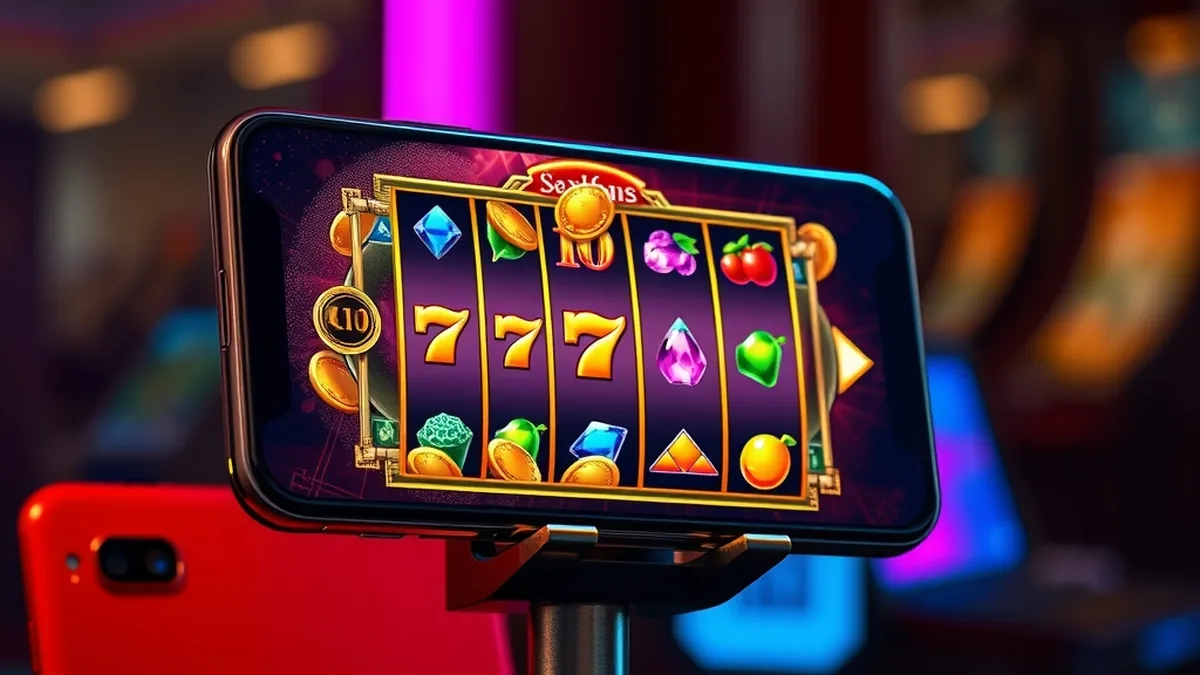
There is no dedicated Fatbet app to download from the App Store or Google Play. The casino runs as a mobile-responsive website, so you play and log in through your phone's browser on both iPhone and Android. Below is how to set that up so it feels like an app.
Contents
Is There a Downloadable App
Short answer: no. The casino has no dedicated app, and the fatbet app you may see mentioned on forums or in search results is simply the mobile version of the website. Anything that claims to be a standalone installer deserves suspicion.
That matters if you searched for a fatbet casino app download. There is no official file to fetch, no store listing to look for and nothing to update manually. You open the site in your browser, sign in and play.
The layout adjusts to your screen size, so menus, the lobby and the cashier shrink to fit a phone in portrait or landscape. Most players find that is enough for slots and table games, and it saves storage space on the handset.
If you are new to the brand, you can create an account from your phone in the same way as on a desktop. The registration guide walks through each step, and the same account works on every device you use.
Do not install an APK or profile from a third-party site that promises a Fatbet casino app. Only the casino's own website is the right place to sign in, and a fake installer could steal your login details.
Playing on iPhone
Opening the site in Safari
Fatbet on iPhone works through Safari or any other browser you already have, such as Chrome. There is nothing to install, and the site loads on recent iOS versions without special settings.
Allow cookies for the site, otherwise you may be signed out every time you switch apps. A stable Wi-Fi or mobile data connection also helps, especially during live dealer streams.
Saving a home-screen shortcut
A shortcut gives you an icon that opens the casino in one tap, much like a real app. It is a bookmark with an icon, not a separate program, so it uses almost no space.
- 1Open the casino website in Safari and check you are on the correct address.
- 2Tap the Share button at the bottom of the screen.
- 3Scroll the menu and choose Add to Home Screen.
- 4Name the shortcut, then tap Add.
- 5Tap the new icon whenever you want to play.
Android Access
Chrome and other browsers
Android phones and tablets use the same approach. Open Chrome, Samsung Internet or Firefox, go to the casino site and log in. Everything in the lobby, cashier and support area is available in the mobile layout.
To get a quick-launch icon, open the browser menu and pick Add to Home screen. Some browsers word it as Install, but the result is still a shortcut to the website rather than a native program.
Why a Play Store search finds nothing
Because the casino does not publish a dedicated app, searching the Play Store for it will not turn up an official listing. Lookalikes may appear, and they are not connected to the brand.
If something does not load properly, clear the browser cache or update the browser first. Live chat is open 24/7 if the problem persists.
No download, no updates to manage: I just tap the icon on my home screen and I am in the lobby.
Logging In Through the App
Signing in from your phone
Searching for a fatbet login app usually ends in the same place: the login form on the mobile site. Open the browser or your home-screen shortcut, tap the login option, enter your username or email and your password, then confirm.
The full process, including what to do with a forgotten password, is covered on the login page. It applies on phone, tablet and desktop alike, because there is only one account.
Avoid logging in on public Wi-Fi where you can, and do not save your password on a shared device.
If login fails
Most failed sign-ins on mobile come down to a few simple causes. Check these before contacting support:
- Caps Lock or autocorrect changing the password as you type.
- An old saved password in your browser's autofill.
- Cookies blocked, so the session cannot start.
- A weak signal that interrupts the page while it loads.
- A shortcut pointing to an outdated address instead of the current site.
Mobile Browser vs App
Since no native version exists, the real choice is between using the browser directly and using a home-screen shortcut. Both load the same site, so the table below compares how they behave in practice.
| Point | Browser tab | Home-screen shortcut |
|---|---|---|
| Installation | None | One-time, takes seconds |
| Storage used | Almost none | Almost none |
| Updates | Automatic, server-side | Automatic, server-side |
| Speed to open | Type the address or use a bookmark | One tap on the icon |
| Account | Same account | Same account |
The shortcut wins on convenience, while the plain browser tab gives you more control over cookies and private browsing. Neither changes what you can play: the games section is the same on every device, and a stable connection matters more than the method you choose.
Battery and data use depend mostly on the game. Slots with heavy animation and live dealer streams use more of both than a simple table game, so play on Wi-Fi when you can.
Signing Up and Claiming Offers on Mobile
You do not need a computer to open an account, deposit or ask for help. The sign-up form, cashier and support chat all work in the mobile layout, and you can take a photo of your documents with your phone when the casino asks for verification.
New players are offered a welcome bonus, with the current terms laid out on the bonuses page. Read them before you deposit, since the conditions apply no matter which device you play on.
As always, treat gambling as entertainment. Deposit limits, cool-down breaks and self-exclusion are available on the account, and they are easy to set from a phone.
FAQ
Is there a Fatbet Casino app?
No. The casino has no dedicated app in the App Store or on Google Play. It offers a mobile-responsive website that adapts to phone screens, and you can save it to your home screen. Be careful with any file claiming to be an official app.
Can I play Fatbet on iPhone?
Yes. Open the casino in Safari or another browser on your iPhone, log in and play. You can tap Share, then Add to Home Screen, to create a one-tap shortcut. Nothing needs to be downloaded or installed.
How do I log in on the app?
There is no separate app login. Open the site or your home-screen shortcut in your phone's browser, enter your account details and sign in. The same username and password work on every device you use.
Does the mobile site cost extra data or storage?
The site itself takes almost no storage. Data use depends on what you play, with live dealer streams and animated slots using more than simple table games. Wi-Fi is a safer choice for long sessions.
18+ | Gambling can be addictive. Play responsibly. Get help